TACACS+
Intro
RADKit administrators and remote users can be authenticated and authorized by a TACACS+ server. RADKit administrators can also be configured locally.
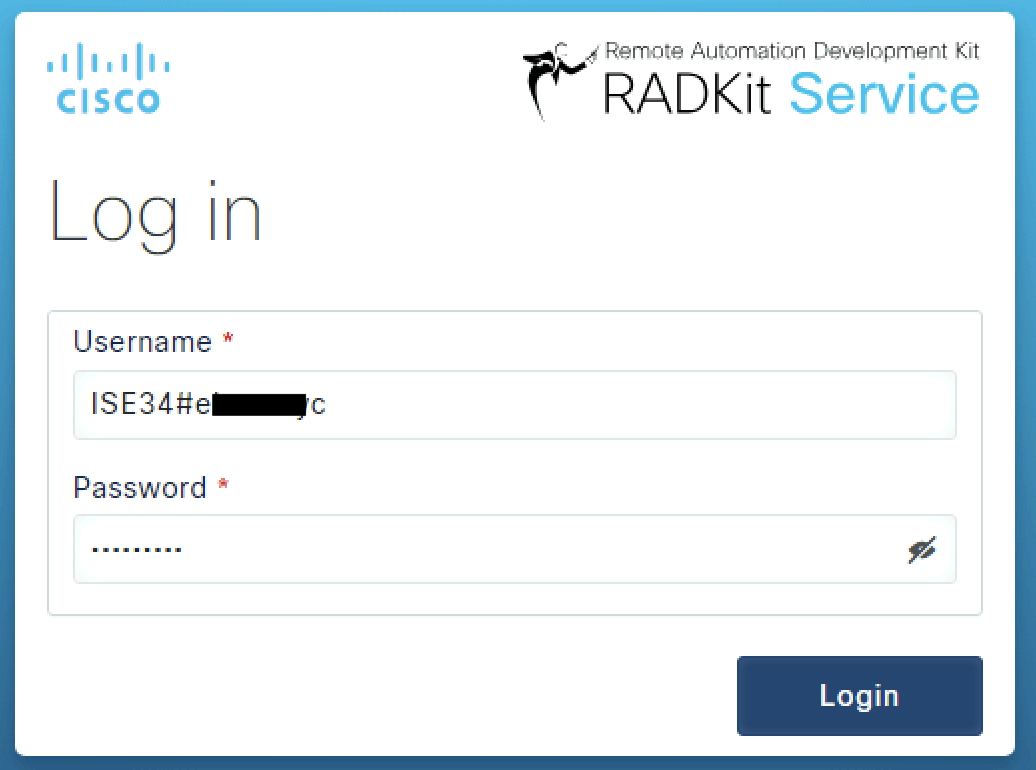
At the login screen, the RADKit Service will query the TACACS+ server to verify if the entered user ID and password are permitted to connect as a RADKit administrator.
If the TACACS+ responds ACCESS_ACCEPT, the user will be let in.
Set up a TACACS+ External Source on RADKit
Navigate to External Sources. If none are configured, you will be greeted with the following screen:
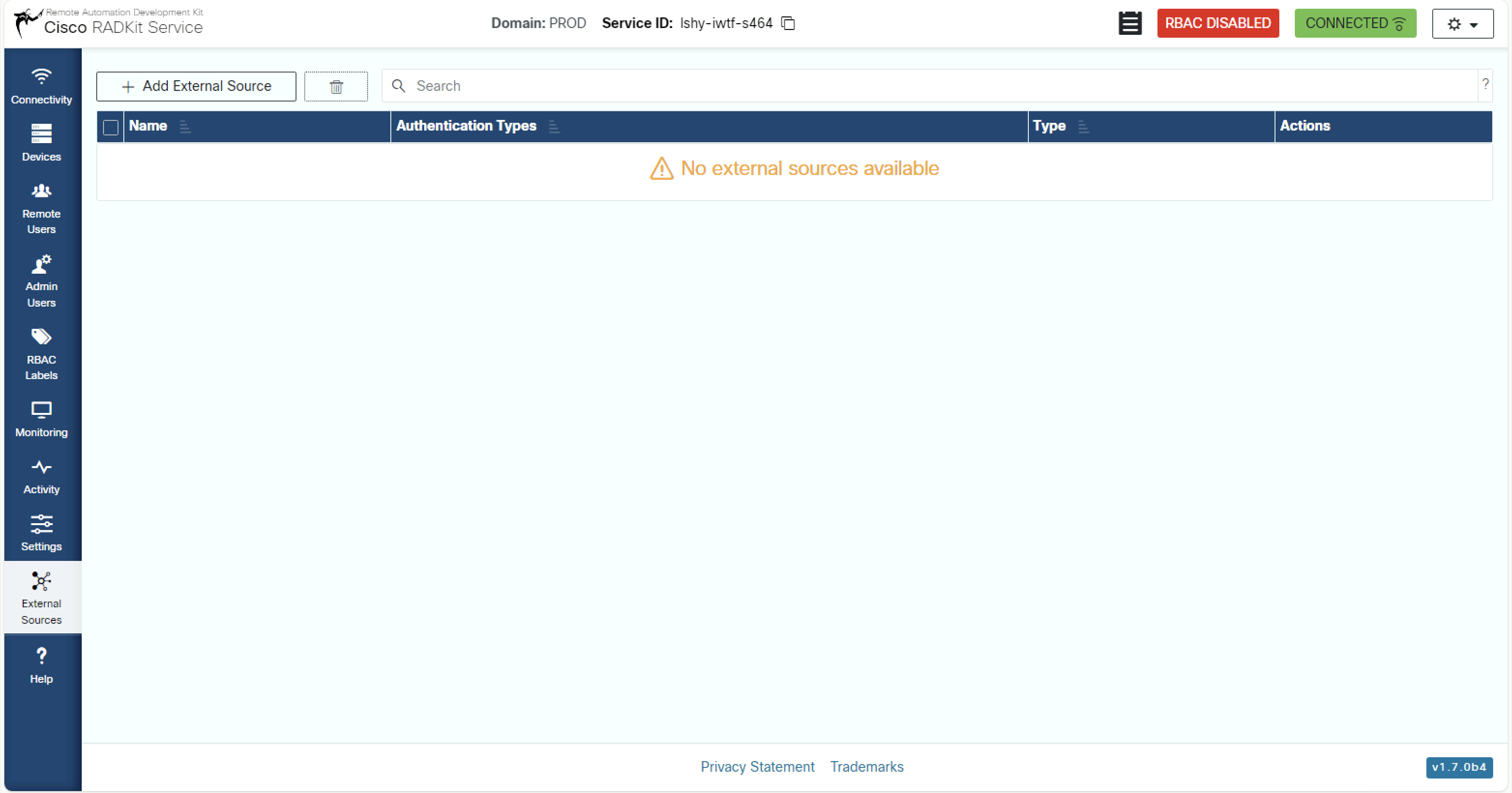
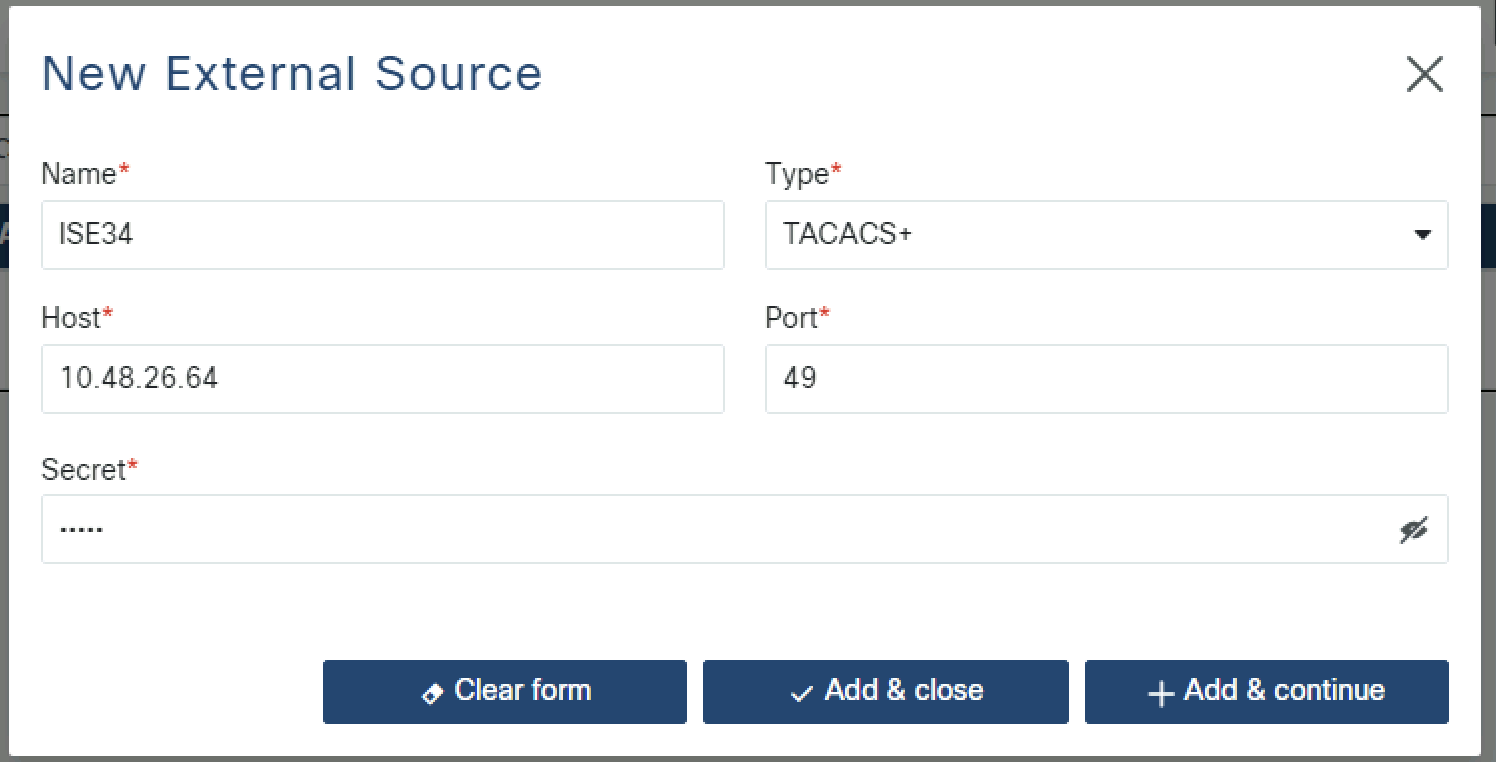
Click Add External Source. A dialog box opens; configure the necessary information:
Name: the source name (e.g. ISE34) is a user-chosen name that represents the TACACS+ server in RADKit. The name
localis reserved and cannot be used.Type: select
TACACS+from the drop downHost: the IP address or host name of the TACACS+ server
Port: the TACACS+ port number (49 is the default TACACS+ port)
Secret: the shared secret that matches the secret configured on your TACACS+ server (an ISE example will be given later)
Allow administrator login: when checked, this TACACS+ source can be used to authenticate RADKit administrators. When unchecked, the source can only be used to authenticate remote users (TACACS+ for remote users is always enabled). Enabling this option adds
ADMINto the source’sauthenticationTypes.
When complete, click Add & close.
You have now completed the setup of the TACACS+ server in RADKit.
Set up your TACACS+ server to work with RADKit
The configuration consists of two main steps:
Configure the TACACS+ server to recognize RADKit as a client and to respond to authentication requests with the appropriate service name and AV pairs (as described in the authorization requirements above).
Create user accounts on the TACACS+ server with the correct permissions and attributes to allow them to authenticate as RADKit administrators or remote users.
For RADKit administrators, ensure that the user accounts are configured to return the
roleAV pair with the appropriate value when authenticated with theradkit-adminservice.For remote users, ensure that the user accounts are configured to return the
connectionAV pair with the appropriate connection modes.
The exact configuration steps will depend on the specific TACACS+ server you are using. Below is an example configuration for a generic TACACS+ server, followed by an example for Cisco ISE.
TACACS+ service configuration
Declare RADKit Service as a client in your TACACS+ server configuration. This typically involves adding an entry that specifies the RADKit Service’s IP address and the shared secret.
host = radkit_service {
    address = <radkit ip address>/255.255.255.255
    key = <tacacs secret>
}
Example ISE Configuration
For a detailed example of configuring Cisco ISE as a TACACS+ server for RADKit, see the following page.
Administrator Login
RADKit supports multiple ways of logging in as a TACACS+-authenticated administrator.
Default admin password source (recommended)
The service.admin_password_source setting selects which authentication source is used
for administrator logins when no explicit source prefix is given. It defaults to "local".
[service]
admin_password_source = "ISE34"
The value must be either:
"local"(the default) — admin logins are validated against the local password database, orThe name of a TACACS+ external source that has Allow administrator login enabled (i.e.,
ADMINin itsauthenticationTypes).
Once configured, administrators log in by entering just their TACACS+ username (no prefix).
The TACACS+ external source named ISE34 will be queried for all admin login attempts,
including the superadmin account. Make sure superadmin exists on the TACACS+ server,
or keep a local recovery path (see below).
Important
The external source named in admin_password_source cannot be deleted, renamed, or
have ADMIN removed from its authenticationTypes while the setting points to it.
Change admin_password_source to "local" (or to another admin-capable source)
before making such changes.
Explicit source prefix
You can also log in by explicitly naming the external source, regardless of
admin_password_source:
<external_source_name>#<username>
For example, ISE34#alice will route the login to the ISE34 external source.
Local recovery login
When admin_password_source is configured, all administrator logins without a
source prefix are routed to the named TACACS+ source — including the local
superadmin account and any other locally-defined admins. If the TACACS+ server
is unreachable, or the account does not exist there, the local password database can
always be reached using the reserved prefix local#:
local#superadmin
local#alice
The local# prefix is always routed to the local password database, regardless of any
admin_password_source configuration. Keep the local superadmin password in a secure
password vault — it is the recovery path if the TACACS+ server is unavailable.